 AP-OWO
 › EQ for every app
A pro equalizer for Spotify and every music app
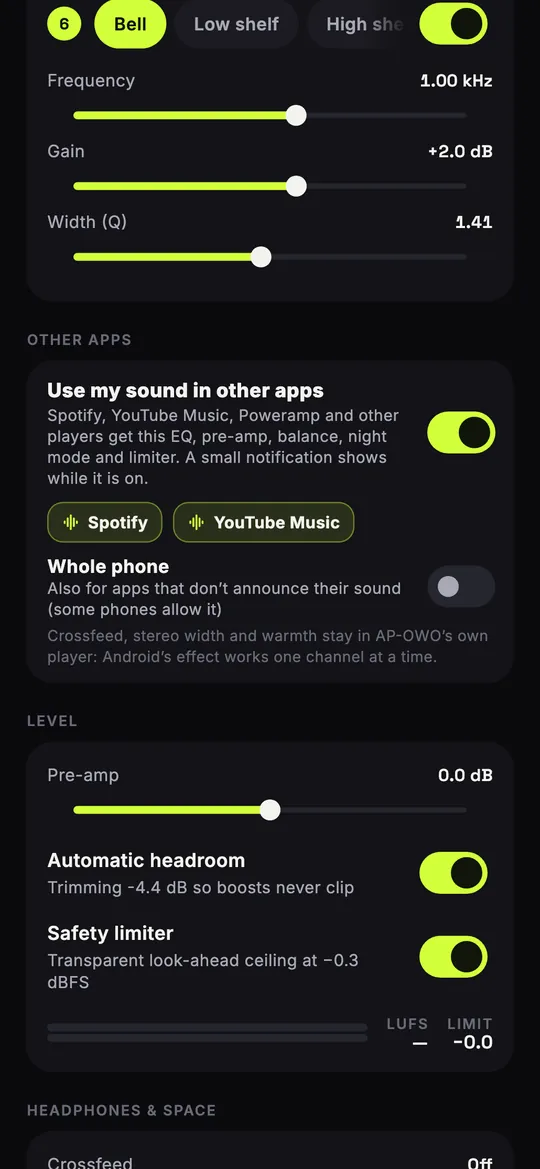
On Android, turn on “Use my sound in other apps” in AP-OWO and Spotify, YouTube Music, Poweramp and other players that announce their audio get your EQ, pre-amp, balance, night mode and limiter, applied by Android’s own DynamicsProcessing effect. Your headphones, car and speaker can each keep their own sound.
Get AP-OWO free on Google PlayFree · no ads · no account · works offline · Android 8+
What it does
Works in other apps
Spotify, YouTube Music, Poweramp and more; optional whole-phone mode where the phone allows it.
10-band parametric EQ
Bells and shelves over a live spectrum, with presets you can save.
Tone pad
One puck shapes the whole sound: warm ↔ bright, close ↔ wide.
Balance this song
It listens for a few seconds, tells you how the song is mixed, and offers a gentle fix.
A sound for each device
Headphones, car and speaker each remember their own EQ.
Never clips
Automatic headroom and a transparent limiter; hold to compare with the original.
How to use it
- Open the Sound tab in AP-OWO.
- Shape the sound with the tone pad, a preset or the EQ graph.
- Turn on “Use my sound in other apps” (Android).
- Play something in Spotify: it appears on the card when it is being shaped.
- Optional: turn on “A sound for each device”.
Questions
Does the AP-OWO equalizer work in Spotify?
Yes, on Android: Spotify announces its audio and AP-OWO applies your EQ, pre-amp, balance, night mode and limiter to it.
Does it work on iPhone?
No. iOS does not let any app change another app’s sound; on iPhone the EQ works in AP-OWO’s own player.
Why is there a notification?
Android only tells an app about other apps’ audio while it is running, so a small notification shows while the feature is on. It stops when you turn it off.
Is my music recorded?
No. Android processes the sound on the phone; AP-OWO never records, stores or sends it.
One app for your whole music life
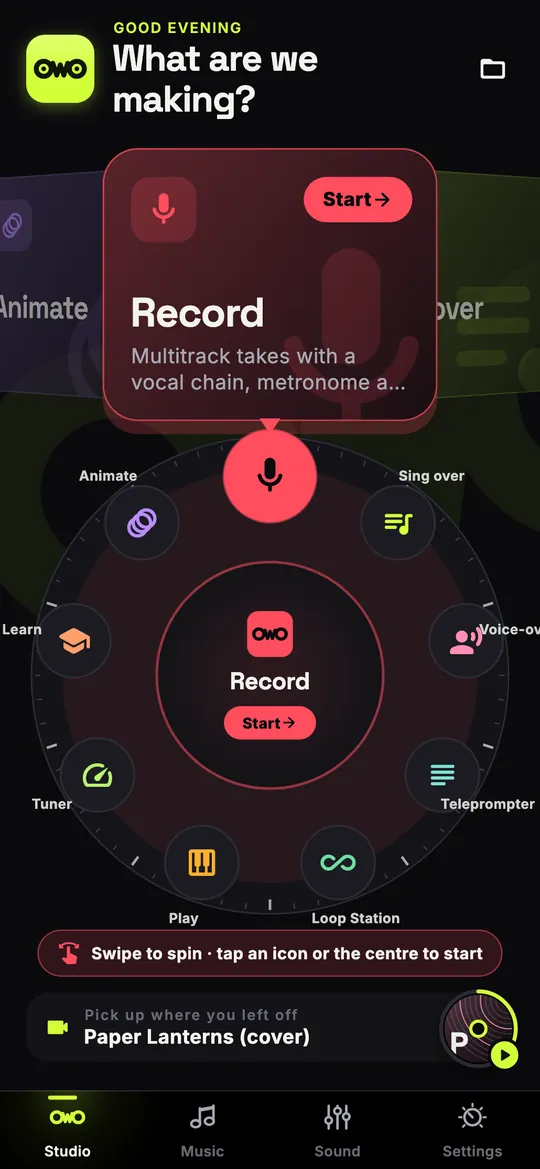
Covers, a Loop Station, live autotune, a tuner, 3D animation, lyrics and a pro EQ.
Get it free