 AP-OWO
 › Live autotune
Autotune your voice live, and fix it after
AP-OWO corrects your pitch live: with headphones and “Hear myself” on, a vocal track with pitch correction sends your voice back to you already in tune, about 7 milliseconds late. The take is recorded natural, so you can still change the key, speed or style afterwards.
Get AP-OWO free on Google PlayFree · no ads · no account · works offline · Android 8+
What it does
Live in your headphones
Hear the correction while you sing; the recording stays natural.
Finds the key
Pitch correction detects the song’s key, or you pick it.
Natural to hard-tune
Retune speed from gentle to instant (the robotic stepping sound), humanize and keep-vibrato.
Sounds like you
Formants are kept, so the voice keeps its character; transpose by semitones too.
A whole vocal chain
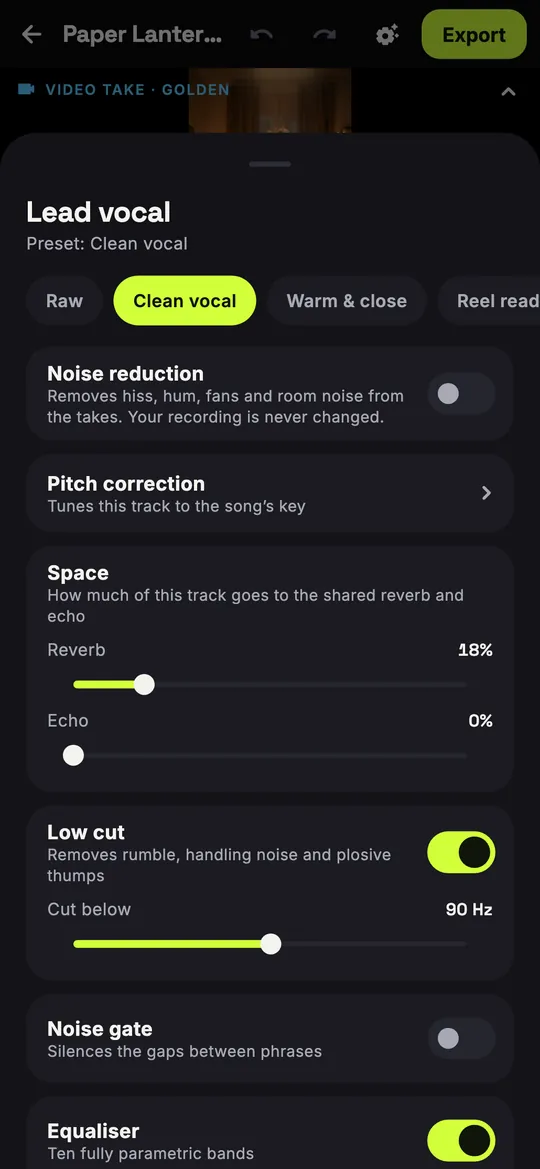
Noise reduction, EQ, compressor, de-esser, reverb and echo presets.
How to use it
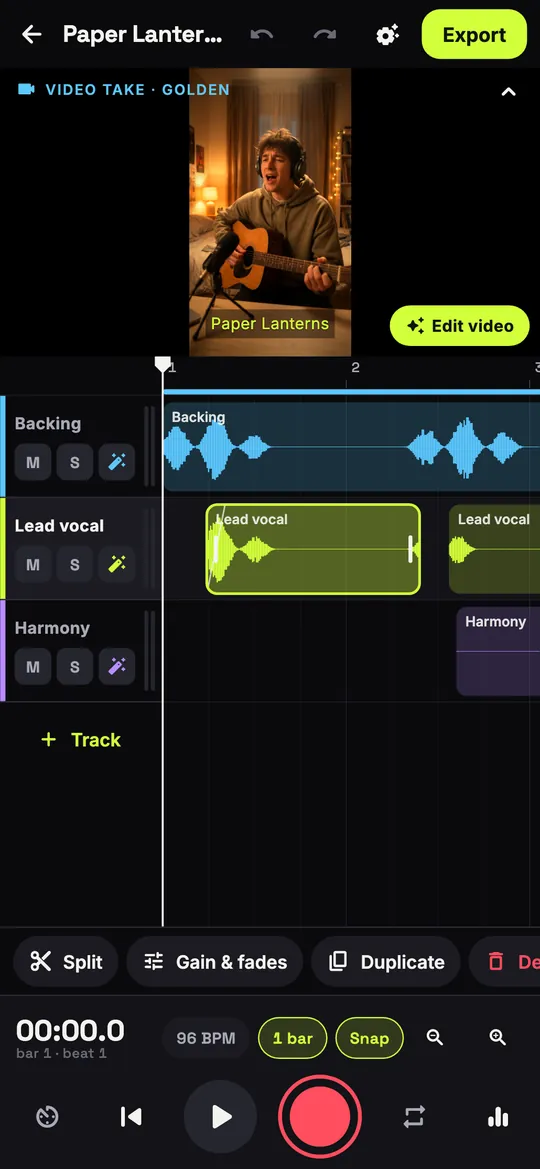
- Start a new song in the Studio and add a vocal track.
- Open the track menu → Pitch correction, pick the key or let it find it, choose a style.
- In recording settings, turn on “Hear myself” and “Autotune in my headphones”.
- Record: you hear yourself in tune as you sing.
- Adjust speed, strength and vibrato on the take, then export.
Questions
Is there a free autotune app that works live?
Yes. AP-OWO is free and corrects your voice live in your headphones while recording on Android.
How much delay does live autotune add?
About 7 ms on a typical singing voice (around one pitch period on low voices), plus your phone’s own audio delay.
Can I get the T-Pain / hard-tune effect?
Yes. Choose the Hard tune style (instant retune speed) and set the song’s key.
Does it change my voice’s character?
No. Corrections keep the formants, so it still sounds like you.
One app for your whole music life
Covers, a Loop Station, live autotune, a tuner, 3D animation, lyrics and a pro EQ.
Get it free